Gear & Picks
USB Microphone or Audio Interface? Choose Your First Recording Setup
Compare the complete system for one voice, two microphones or an instrument—not just the item price. Check inputs, monitoring and compatibility before buying.
By Hobby-ist Editorial Team · 6 min read · October 6, 2026
In this story
A USB microphone and an audio interface are not equivalent items in a shopping basket. A USB mic combines a microphone with the electronics needed to send digital audio to a compatible recording device. An interface is a separate part of a recording system; for an ordinary XLR microphone setup, you also need the microphone and its cable.
Why we picked this comparison: first-time buyers can compare the price of one microphone with the price of one interface and miss the rest of the setup. Hobby-ist's starting question is simpler: what do you need to record at the same time, on which device, and which part might you want to change later? This is a configuration guide, not a ranking of tested microphones.
Write the first recording job in one sentence
“One spoken voice at my computer” and “two people with separate microphones” lead to different choices. So does “voice and guitar recorded together.” Write down the number and type of simultaneous sources, your recording device and app, and whether you need to hear yourself while recording. Do not count sounds you can record one after another as simultaneous inputs.
If you have not finished a short recording yet, use our first home recording session with the equipment already available. Our 30-second sound diary also gives an existing phone recorder a purpose. A purchase is easier to justify when you can describe a repeated obstacle.
Compare the whole connection path
For a typical USB setup, the path is USB microphone → compatible USB connection → recording device and app. Conversion is built into the microphone. You do not normally add a separate interface to use that USB output. Headphone monitoring and hardware controls vary by model; a USB socket alone does not establish those features. RØDE's USB and XLR explanation describes the basic distinction.
For a typical XLR setup, the path is microphone → XLR microphone cable → interface microphone input → connection to the recording device and app. RØDE's connection guide explains the conversion provided by the interface. An XLR cable by itself does not make a microphone a USB recording device; an adapter that performs that conversion is itself an interface.
Some microphones provide both USB and XLR outputs. That can offer two routes, but check the manual for each route's features. It does not guarantee the same processing or controls. As one model-specific example, RØDE's NT1 5th Generation support note distinguishes its internal USB circuitry from the external equipment used over XLR. This example is not a product recommendation or a claim about every dual-output mic.
Choose USB when fewer parts help you finish
Hobby-ist would start with a compatible USB mic for one voice at one computer when the main obstacle is getting set up consistently. Fewer separate boxes and connections can make a small desk easier to reset after recording. Confirm the microphone's support for your device, app and intended listening method before relying on that convenience.
The limitation is that the microphone and its conversion electronics are packaged together. If you later want a different microphone or more separate inputs, you may need a different system rather than one replacement component. Some supported software and microphone ecosystems can handle multiple USB microphones, but do not assume any two USB mics plugged into a computer will become a dependable multichannel setup.
USB is a connection choice, not a promise that room echo, keyboard noise or poor placement disappears. Before upgrading, compare a short recording with a better microphone position and fewer nearby noise sources. A more expensive connection path cannot substitute for a useful place to record.
Choose an interface for a specific input need
A separate interface makes sense when you already have an appropriate XLR mic, need multiple supported sources at once, or want to change the microphone independently later. The cost is more parts to choose, connect, store and troubleshoot. Buy for a near-term recording job you can describe rather than every imaginable future instrument.
Count microphone preamps, not just total advertised inputs. An interface with two inputs may not have two microphone inputs; a line input or instrument input serves a different source. For two spoken voices on separate mics, verify two usable mic inputs, separate recording channels in the intended software, and a workable listening arrangement. A single headphone socket does not automatically give two listeners independent headphone mixes.
For voice and an electric instrument together, verify the correct instrument input as well as the mic input. For other equipment, check the appropriate input type and level in its manual. A socket that accepts a plug is not sufficient proof that the source belongs there.
Check monitoring, gain and power before buying
Direct monitoring lets you hear an input through the hardware with very little delay, while it is still sent to the recording software. It differs from listening after the signal travels through the computer. Focusrite's direct monitoring guide explains this route. Follow your device and app instructions to avoid listening to the direct and software paths twice; direct monitoring does not automatically include the software effects you are recording with.
Check whether your candidate USB mic or interface provides the monitoring controls you need, and where headphones connect. If hearing software effects is essential, investigate the supported software-monitoring setup instead. Test the real listening experience before deciding from a “zero latency” label alone.
For an XLR mic, check the required gain and power in the microphone and interface manuals. Some mic systems need phantom power; others do not, and some can be damaged by it. Focusrite's microphone signal guidance recommends consulting the mic documentation before enabling 48V. Do not use that button as a general louder-sound switch. There is no universal gain-knob position for every voice and mic.
Compare the complete basket and run a short check
For either route, include a stable stand or mount, the correct data cable, headphones and any genuinely needed adapter. For XLR, also include the mic, XLR cable and interface. Check what the package includes, desk space, supported operating-system versions, required drivers or apps, and phone or tablet power requirements if relevant. A matching connector shape does not establish compatibility.
Record the purchase-date total from the actual listings, including delivery and required accessories. This guide does not give current prices or retailer offers. Use our hobby budget guide to include the whole setup rather than its most visible item. Before ordering, read the seller's actual return window and conditions for opened equipment.
If a demo or return-period test is available, record ordinary speech and a louder phrase using the intended app. Check that the right input is selected, recording does not clip, monitoring is usable, and an exported file plays correctly. If you need two sources, test both simultaneously and confirm the separate tracks. Note whether setup feels manageable on your actual desk. These are proposed checks, not tests the editorial team performed.
Hobby-ist's final judgment
For one voice, choose the simplest compatible system you will use; choose an interface when an identifiable input or component need earns its extra parts. USB does not mean disposable beginner audio, and XLR does not automatically mean a better recording. The useful comparison is the complete system doing your first real job.
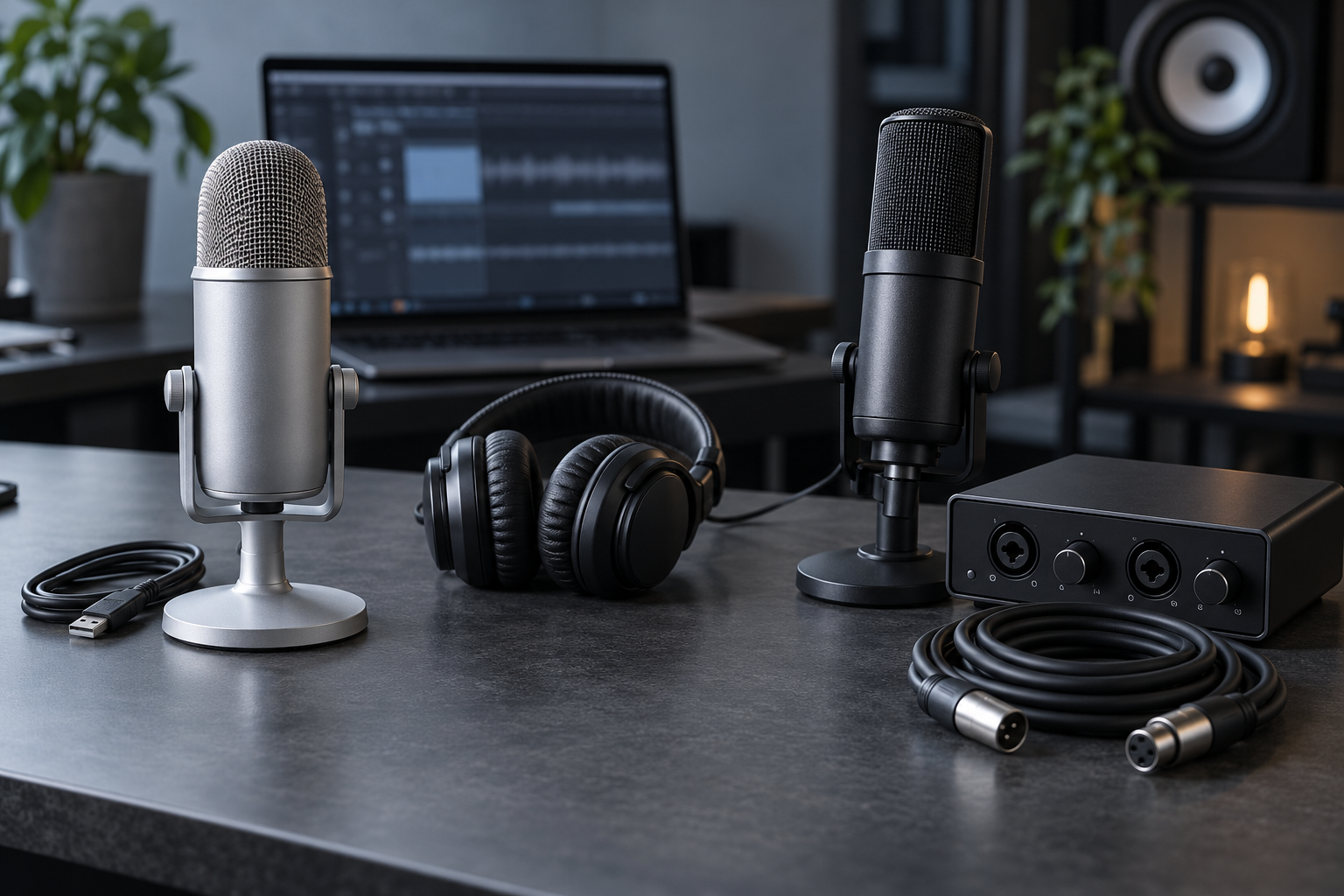
Editorial status: Researched. We consulted manufacturer explanations and support documents. The decision rules and purchase checks are Hobby-ist's editorial assessment; the team did not audition, benchmark or compare these systems firsthand. No affiliate links or sponsored product recommendations are included. The AI-generated cover illustrates equipment categories and is not a photograph of reviewed products.
Sources & verification
Information checked: 2026-10-06
- https://rode.com/en-au/about/news-info/xlr-vs-usb-microphones-which-is-better-for-you
- https://help.rode.com/hc/en-us/articles/14520496492559-How-to-Connect-an-XLR-Microphone-to-Your-Computer
- https://help.rode.com/hc/en-us/articles/6939235482767-Does-the-XLR-and-USB-outputs-sound-the-same-on-the-NT1-5th-Generation
- https://support.focusrite.com/hc/en-gb/articles/207546305-What-is-direct-monitoring
- https://support.focusrite.com/hc/en-gb/articles/8986949204498-I-m-getting-little-or-no-signal-from-my-microphone-or-mic-level-equipment