Gear & Picks
Before Buying Your First 3D Printer: Space, Upkeep and Continuing Costs
Compare owning a filament printer with getting a print made. Check the operating area, maintenance documents and first-season budget before choosing by size.
By Hobby-ist Editorial Team · 6 min read · October 6, 2026
In this story
Your first 3D printer purchase includes a machine, a place to operate it, and a routine for keeping it useful. The build volume in a listing describes where an object can be printed; it does not describe all the space the equipment needs. A low purchase price also leaves out material, maintenance and revisions.
Why we picked this checklist: buying for the largest possible object can distract from the smaller, repeatable projects that make ownership worthwhile. Hobby-ist would first check three actual projects, the installation plan and the continuing budget. This guide concerns filament printers—often called FFF or FDM—not resin printers with different material handling and post-processing needs.
Give the printer three real jobs
Write down three things you expect to make in the next few months. Include approximate dimensions, whether the object is decorative or functional, and how many revisions you expect. A large machine offers little value if the planned objects are small and the machine occupies the only useful desk.
Try our first cable name-tag modeling exercise before purchasing. An editable model is a way to find out whether measuring and revising shapes interests you. Owning a printer is not required to start modeling, and downloading a model does not establish that it suits your intended use.
Prusa's modeling guidance explains that test prints and design revisions are part of the process. That matters when estimating ownership: a useful object may require more than one attempt. This article does not establish that a hobby print is suitable for a safety-critical, food-contact or load-bearing application.
Compare ownership with getting one print made
Ownership is worth considering when you want frequent iterations and also want to learn setup, printing and maintenance. It offers control over timing, but makes you responsible for the whole process. An occasional finished object is a different need from an ongoing printing hobby.
For a small number of pieces, request an actual quote from a printing service or check a makerspace's current rules. Ask about material, dimensions, file review, minimum charges, lead time, failed-print policy and any finishing included. Makerspace access may require training, booking or staff operation; we have not verified a local service's availability or fees.
Use our buying-versus-borrowing guide to compare the time and frequency of use. Hobby-ist would pay for one suitable trial print before buying a machine mainly to produce that one object. The limitation of outsourcing is waiting and less immediate control over each revision; that is the tradeoff to price, not a reason to assume ownership is always cheaper.
Measure the operating area before the machine
For each candidate, find the manufacturer's installation requirements and overall dimensions. Include moving-bed travel if applicable, spool position, cable clearance, door opening, ventilation equipment where required, and access to remove prints or perform service. A footprint measured with the machine parked may omit the space needed during use.
Mark the proposed area on your work surface using a paper plan. Include a place for the spool, tools and finished work. As a planning example, a printer advertised with a 220 mm build dimension does not thereby fit inside a 220 mm square on a desk. Use the actual model's measurements; we are not proposing a universal clearance.
Check a stable supporting surface, the specified power requirements and a cord route that does not obstruct movement. Think about when the machine would operate, where people or pets pass, and whether its sound would interfere with other activities. A video with background music is weak evidence for how a printer will sound in your room. Ask for a relevant demonstration if noise is a deciding factor.
Check the room and material together
NIOSH's Approaches to Safe 3D Printing discusses particles and gases released during printing and controls such as ventilation and source containment. Consider that guidance alongside the printer and material instructions when assessing the proposed location. A bedroom desk should not be the automatic choice merely because it has space.
An enclosure can serve different purposes, including temperature control; its presence alone does not verify emission control. Check what the manufacturer actually specifies about ventilation or filtration and its maintenance. We are not prescribing an airflow rate or certifying a home installation. If the operating requirements cannot be met in your space, external printing is a concrete alternative.
Choose the first material after checking the intended object's requirements and the printer's documented support. “Supports many materials” is not the same as having the whole setup to use each one. Some require different hardware or environmental conditions. Starting with one supported material makes the first comparison easier than buying a shelf of unfamiliar spools.
Read one maintenance procedure before ordering
Locate the exact model's manual, troubleshooting pages and spare-part information. Before buying, read a routine cleaning procedure and a common replacement procedure. Can you understand the steps, obtain the specified consumables, and get support if the work exceeds your ability? That is more useful than treating maintenance as a vague future task.
As a scoped example, Prusa's i3 maintenance guide covers checks of axes, print sheets, fans and filament-drive components. Its model-specific methods and intervals should not be copied to a different printer. Use it as evidence that upkeep is part of ownership, not as a universal maintenance schedule.
Check replacement-nozzle and build-surface availability, service instructions and warranty terms for the model you may buy. Include kit assembly time if relevant. Automatic calibration can simplify some steps but does not make a printer maintenance-free. A remote camera can help you see a job; it does not replace the manufacturer's operating requirements.
Calculate a first-season budget, not a spool price
Make a purchase total that includes the machine, delivery and applicable tax, required installation equipment, and the first supported material. Then list continuing items: filament, failed prints, supports or purges where applicable, specified cleaning supplies, storage, replacement parts, electricity and any ventilation or filter servicing. Do not add optional accessories automatically; identify the requirement each one addresses.
Prusa's filament guidance discusses moisture and storage. Check the material manufacturer's instructions for storage and any drying requirement. A sealed storage box and equipment for drying already-moist material are different purchases. This guide does not give a universal drying temperature or recommend improvising with a household oven.
For a simple planning example, a $25, 1 kg spool makes 40 g of filament cost $1 before other costs. If two equally sized failed attempts precede the finished piece, the three attempts use $3 of filament. Those are invented arithmetic inputs, not current prices, a measured failure rate, or a complete per-object quote. Include supports and other material use in your actual estimate.
Use the slicer's estimate as a starting point, then record actual use as you learn. For electricity, use measured or appropriately documented consumption and your applicable tariff rather than equating the power supply's maximum rating with constant consumption. Our hobby budget guide helps keep recurring costs visible. Your time for setup, removal, cleanup and revisions belongs in the decision too.
Hobby-ist's final judgment
Buy when the next few projects, the operating space and the upkeep routine all make sense together. For occasional objects, a real external-print quote is a stronger comparison than imagining that every gram of filament becomes a finished part. If you enjoy revising models and maintaining equipment, ownership may be part of the hobby's appeal.
Before ordering, save a short decision record: three projects, the measured operating area, the intended material, the first-season budget and one maintenance task you are prepared to learn. If an essential requirement is unresolved, resolve it before choosing by build volume or speed claims. We have not checked current printer prices, stock or retailer return conditions; read the actual seller's terms.
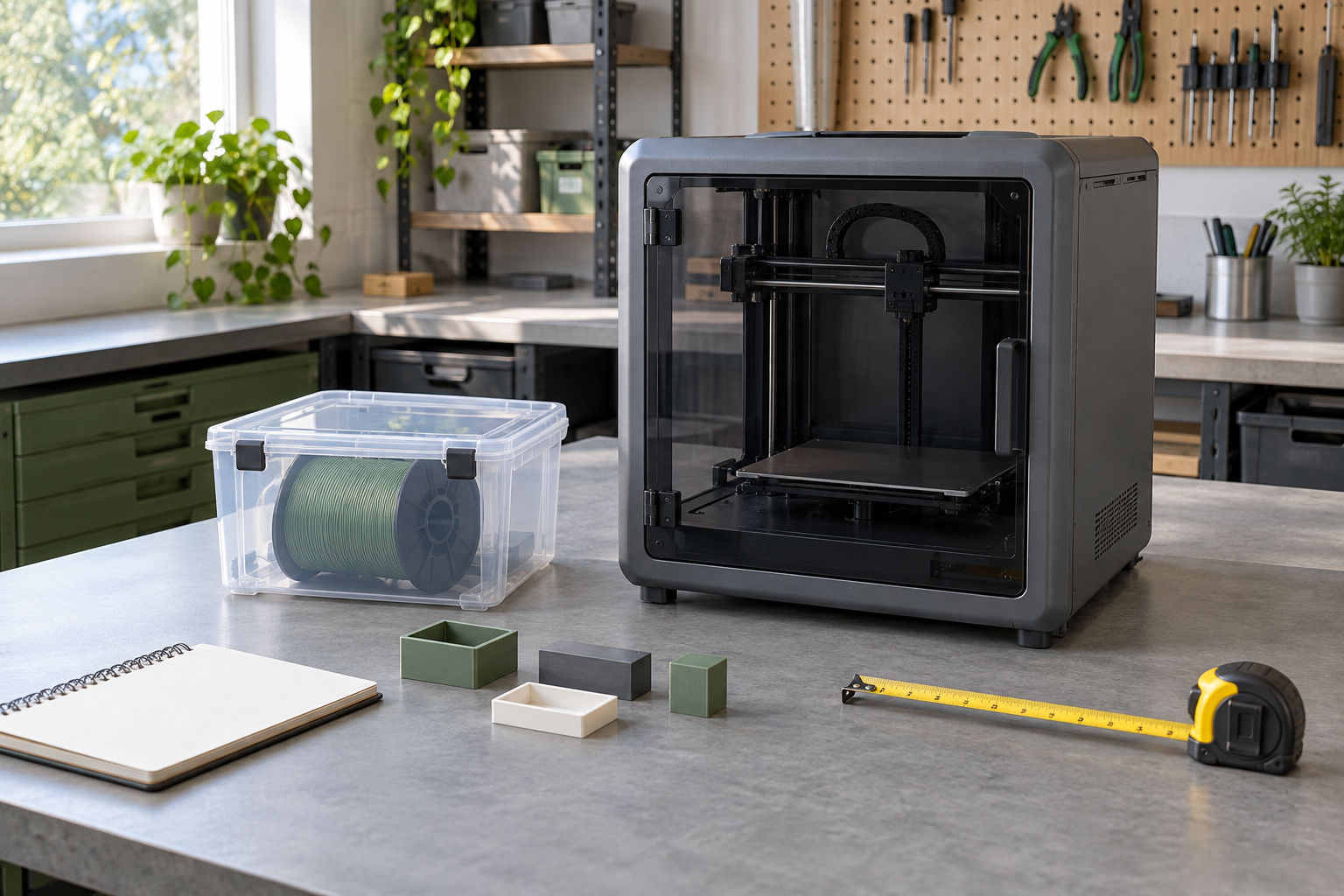
Editorial status: Researched. We consulted NIOSH guidance and manufacturer modeling, maintenance and material documents. The purchase framework and arithmetic examples are Hobby-ist's editorial assessment; the team did not operate, measure or compare these printers firsthand. This article has no affiliate links. The AI cover is a conceptual equipment scene, not a reviewed machine or a verified installation.
Sources & verification
Information checked: 2026-10-06